
Content is made available to the senses of sight, hearing, and/or touch
Content Workshop Table of Contents
Why is Content Important?
Content—whether text, images, or forms—shapes the user’s experience on your site. When you need specific information, you typically turn to Google or the company’s website. If the company has done its job well, your experience should be fast, streamlined, and straightforward.
Content isn’t just about what’s on the page but also how the information is conveyed. As you work through this guide, remember that your goal is to make your content accessible, digestible, direct, and dynamic.
Accessible
Digestible
Each page is broken out in bite size chunks, with supporting imagery, or symbols
Direct
Users can understand the voice, and call to action, and there are no barriers to their destination
Dynamic
Content is a living thing. It develops overtime, and needs revamps. Remember to test, and then test again
Let’s Dive In
Session 1 (Create)
Content Strategy
It all starts with content. Let’s get organized.
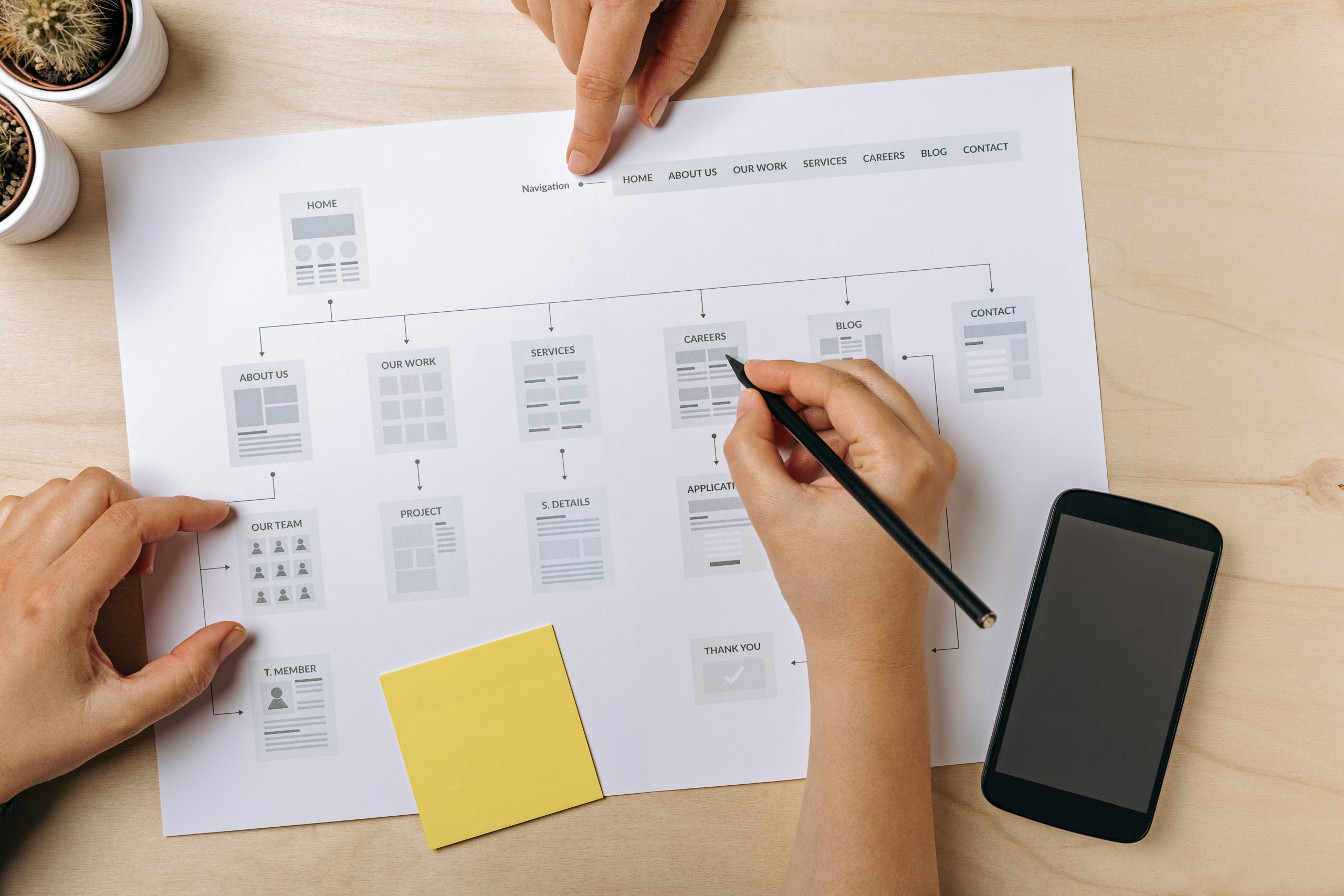
Sitemap
let’s map out those pages
Header and Footer
important information that lives on every page
Page Structure
setting up pages correctly
Session 2 (Refine)
Links
helping your users navigate through the site
Accessibility #1
focusing on text and links to make sure your site is equally accessible to everyone
Technical Best Practices
we sweat the small stuff
Proto Content Site
now it’s time to enter in all that content
Session 3 (Format)
Modules
content formatting
Accessibility #2
focusing on media to make sure your site is equally accessible to everyone
WordPress
WordPress training